Switch guide
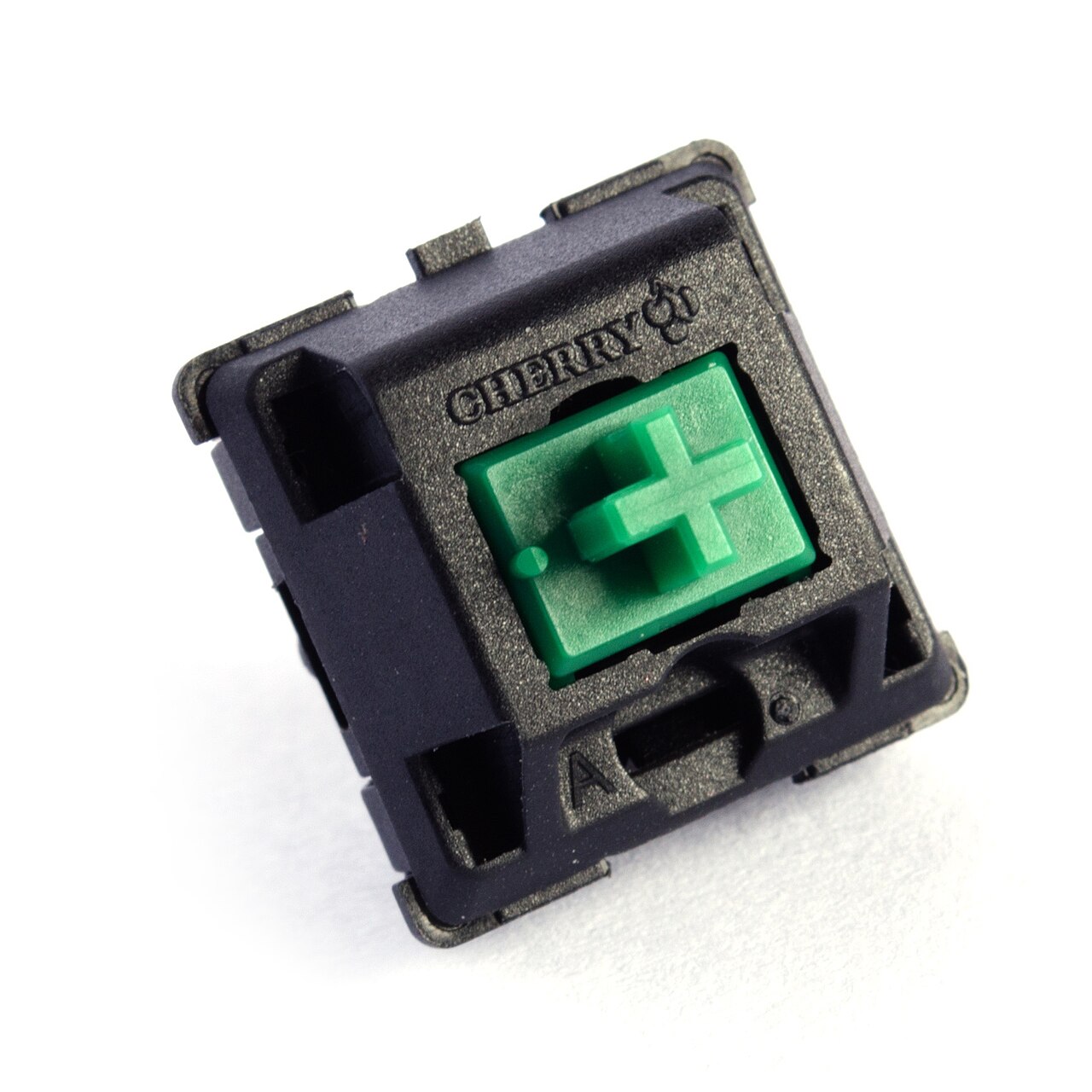
Linear, tactile or clicky: how to choose
The single decision that defines how a keyboard feels. We break down the three switch families and who each one is for.
ReadBUILD SYSTEM · 01
Hot-swap boards, doubleshot keycaps, hand-lubed switches and the tools to put them together. Pick a layout, choose a feel, and build a keyboard that is unmistakably yours.
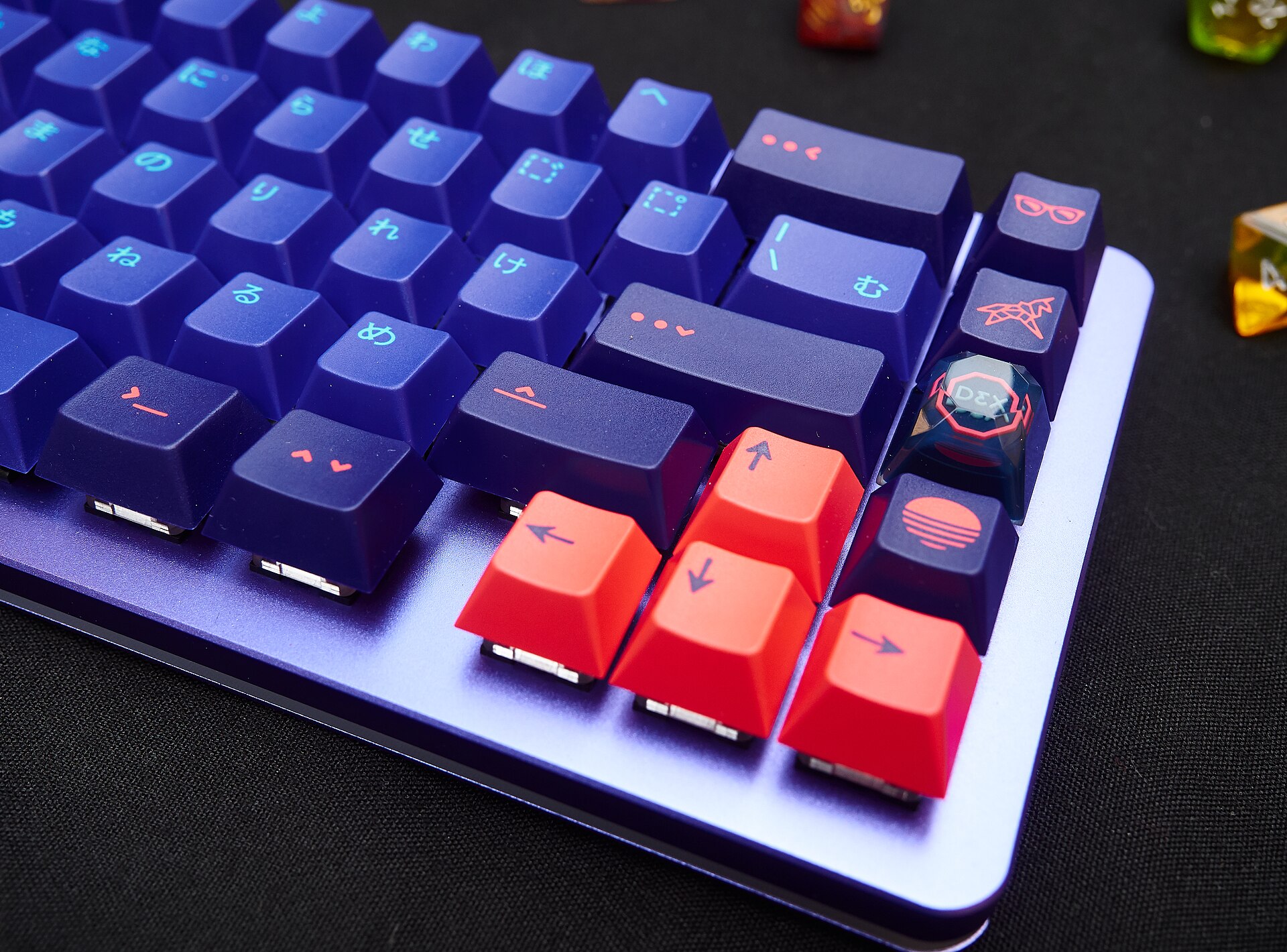 Custom build · hot-swap · QMK/VIA
For long writing days: a cushioned gasket mount, a medium tactile switch and thick PBT keycaps for a deep, satisfying thock. Quiet enough to share a room.
For fast inputs: a compact layout that frees desk space for the mouse, light linear switches for rapid actuation, and shine-through caps over bright RGB.
For developers: a programmable QMK/VIA board, a layout that keeps symbols within reach, and a tactile or ortho option that reduces lateral finger travel.
Every Typovox board drops switches in by hand and is fully programmable in QMK/VIA. Change your switches in seconds, remap any key, and tune the sound without tools. Assembled and bench-tested before it ships.
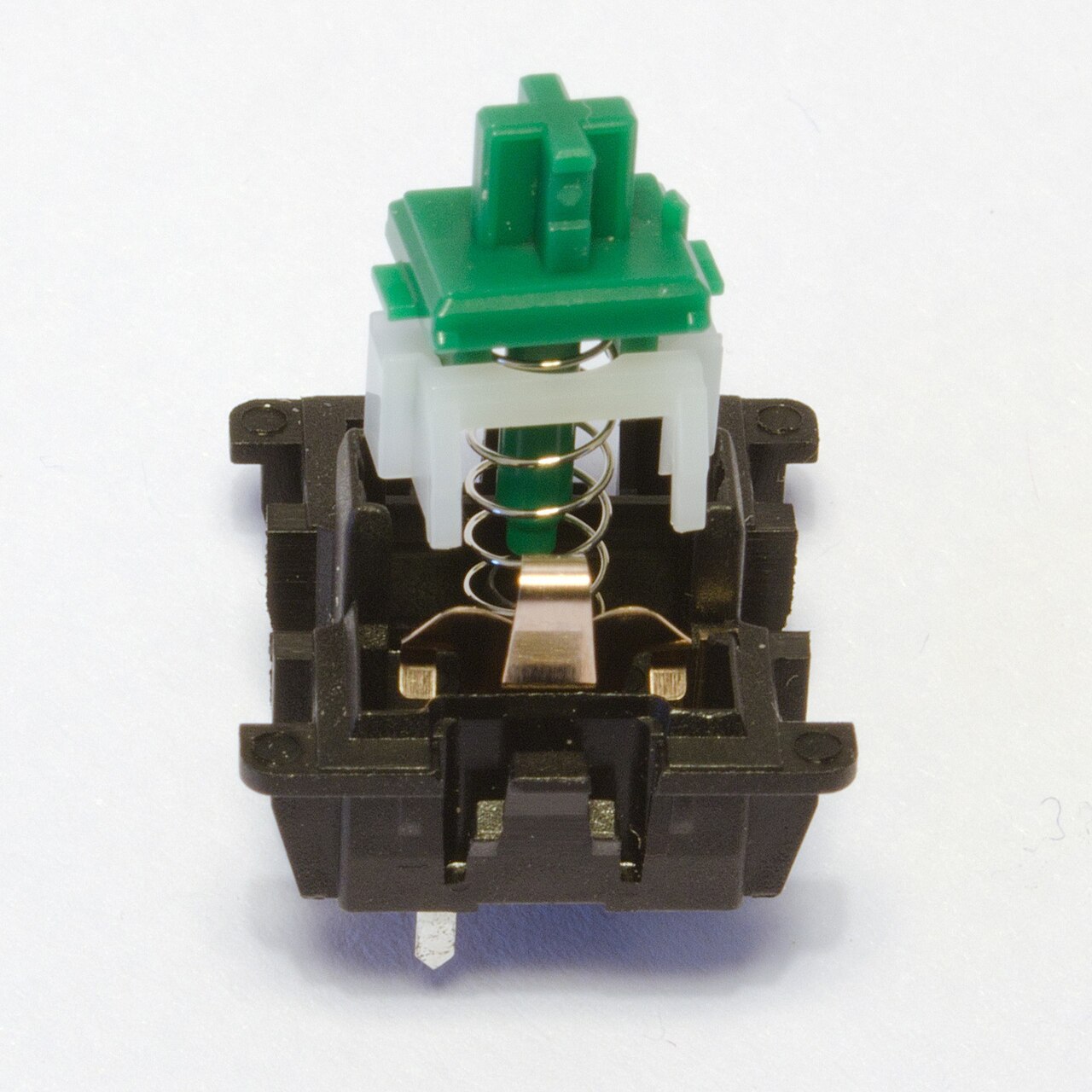
Switch guide
The single decision that defines how a keyboard feels. We break down the three switch families and who each one is for.
Read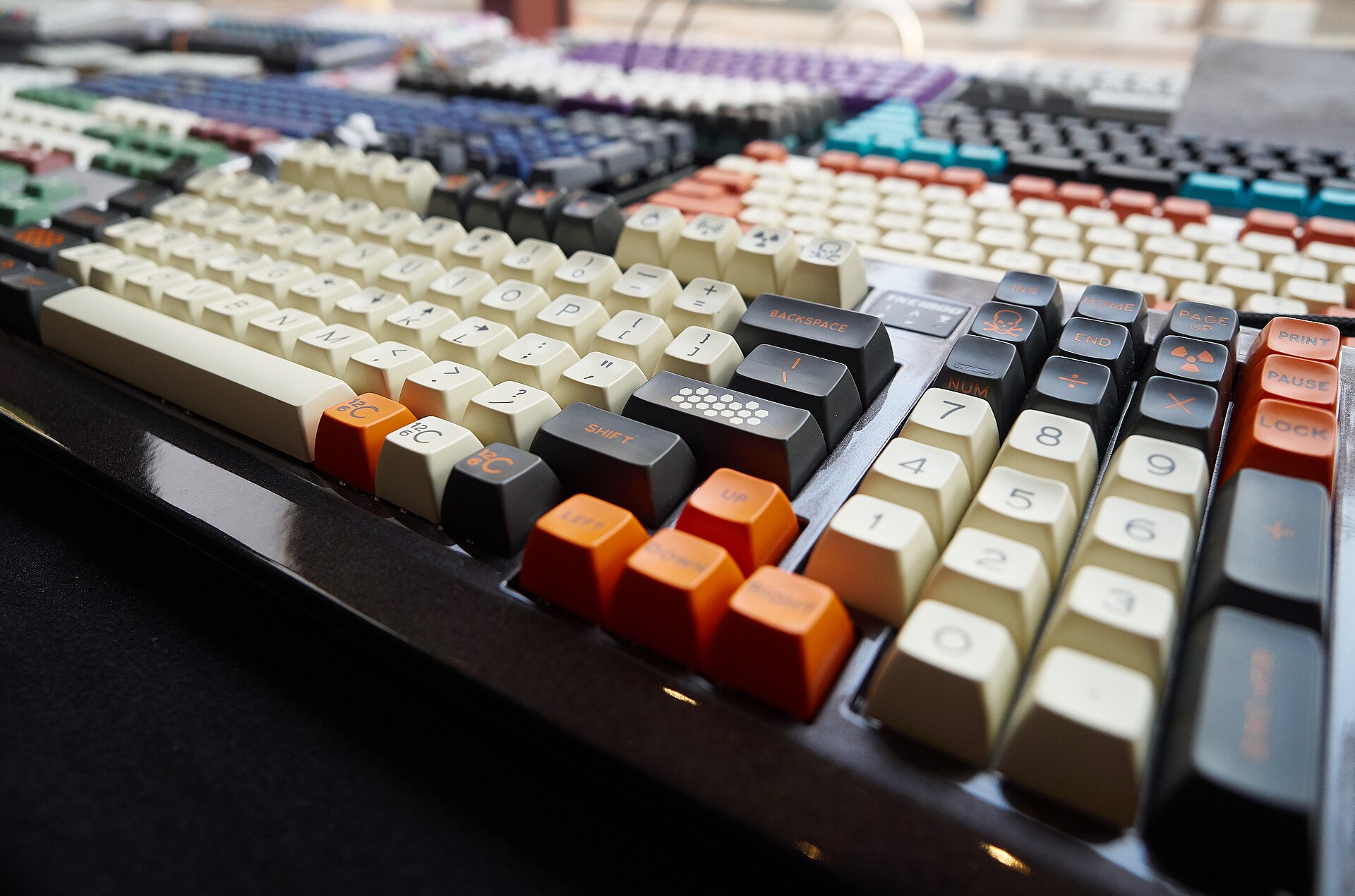
Build basics
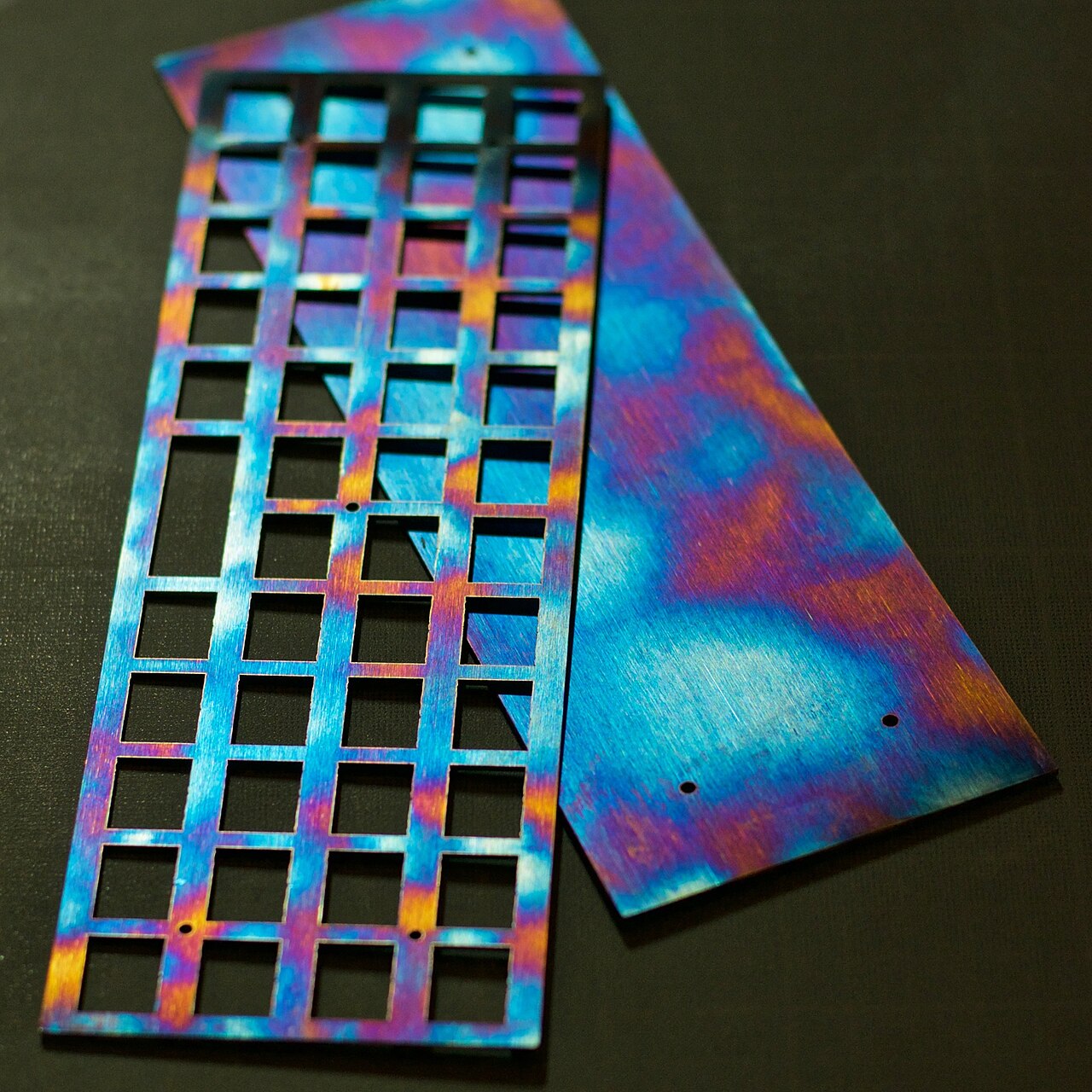
Plate, gasket, case: how the mounting style shapes flex, sound and the feel of every bottom-out.
Read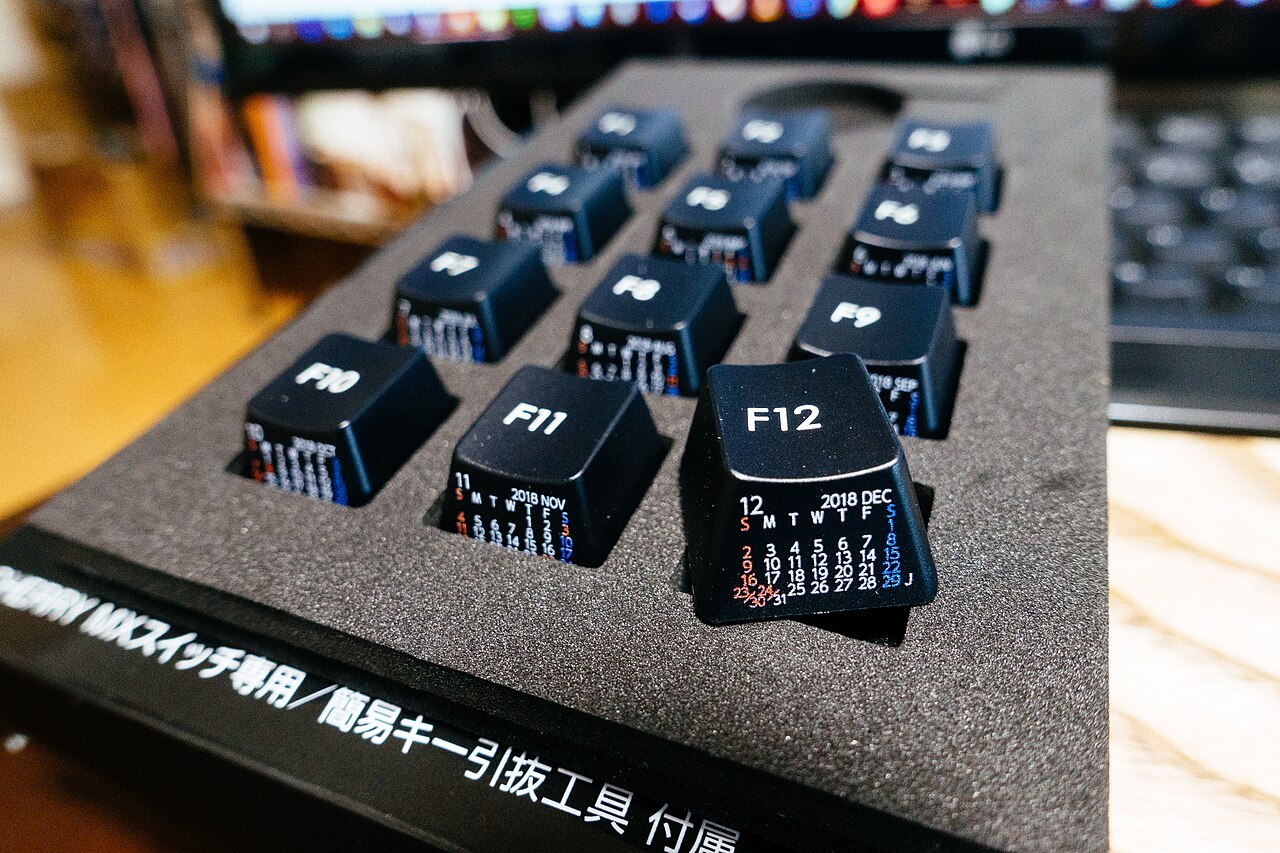
Keycaps
Height, sculpt and shape change both comfort and sound. A quick map of the profiles we stock.
Read